

Clock-in kiosk
The person stands in front of the screen and clocks in with their face.
- Facial recognition in seconds
- Liveness detection against photos and videos
- Schedules by area
- Geolocation of each clock-in
Staff clock in with their face on a tablet and the company gets worked hours, with no spreadsheets or time clocks. Try the dashboard and the kiosk now (in Spanish).
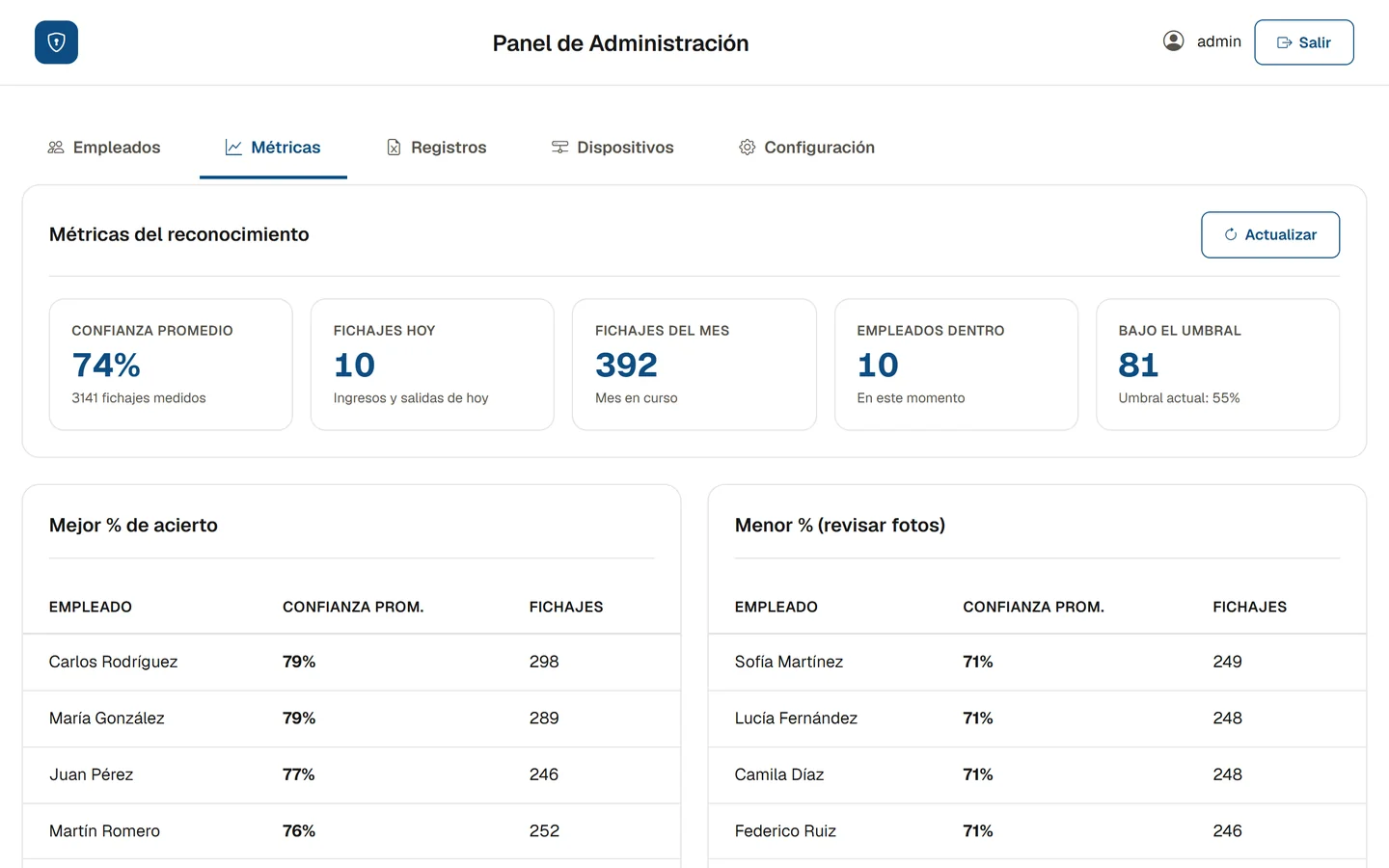
—Average confidence
—Clock-ins today
—Staff on site
| ID | User | Status |
|---|---|---|
| Loading… | ||
Demo with sample data. Recognition is simulated: the camera isn’t used and nothing is recorded.
Two parts that work together: a kiosk where staff clock in and a web dashboard where the company manages everything.
The person stands in front of the screen and clocks in with their face.
Everything happening in the company, in one place.
Only the right people clock in, and only from the right places.
Hours arrive ready, with nothing typed in by hand.
What the system solves and its limits, stated plainly. The scope of each installation is agreed in writing.
Explore the dashboard and the kiosk with sample data, without signing up. Editing is turned off and the demo is in Spanish.
System · Attendance with facial recognition
Staff clock in with their face on a tablet and the company gets worked hours without building spreadsheets.
An attendance system for companies with staff on the floor, in warehouses or at the counter. It replaces spreadsheets and time clocks with a facial recognition kiosk and a web dashboard to manage everything.
Demo with sample data and editing turned off. The demo itself is in Spanish.
Whoever hires the system decides what to do with their staff’s data and is accountable for it. Ganda Software builds and maintains the software.
A face that identifies a person is sensitive personal data. Data protection law applies (in Argentina, Law 25,326 on Personal Data Protection): staff must be told what it’s used for and their requests for access, correction and deletion must be handled.
Because there’s an employment relationship, an employee’s consent can be called into question. We recommend offering an alternative way to clock in and checking with your legal adviser before rolling it out.
Which facial data is stored, how, where and for how long is documented in the proposal before we start, together with the hosting provider.
Only approved devices can clock in and open the dashboard. We access the data only for support, with your permission and under confidentiality.
It uses sample data, simulates recognition and doesn’t use your camera. The data from this site’s form is explained in the privacy policy.
The kiosk includes liveness detection to tell a real person from a photo or a video. It’s one more barrier, not an absolute guarantee: that’s why the dashboard shows the confidence of every clock-in.
The confidence threshold can be adjusted and clock-ins below it can be reviewed from the dashboard. One-off cases are sorted out by the administrator.
A device with a camera, such as a tablet, at the clock-in point. The exact requirements are confirmed in the proposal for your installation.
It can be, but it depends on how you implement it: prior notice, a clear purpose and alternatives. We don’t give legal advice; check with your lawyer before you start.
Yes: the dashboard and the kiosk are available with sample data (in Spanish). If you’re after a sales or stock system, see management systems.
Ready to stop tracking attendance in spreadsheets? Let’s talk.
We read every message and reply by email. If you’re not sure yet what you need, just describe it in your own words.